
Appearance
Squarespace integration
This documentation hasn't been written yet but the feature is live. Contact us to learn more about it.
Integration scope
- ✅ Easy install with one link
- ✅ Product synchronization
- ✅ Order synchronization
- ✅ Fulfillment status
- ✅ Tracking synchronization
Installation
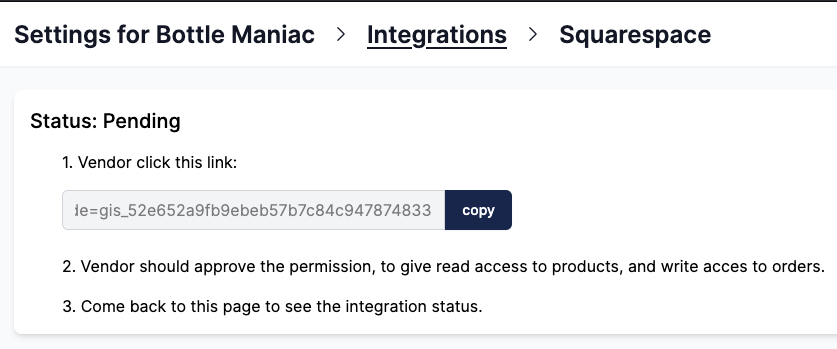
1. Find the installation link
The installation link can be found in Garnet > Settings > Integration > Squarespace. The vendor must follow this link to start the Squarespace integration. The link can be sent to the vendor by the marketplace.
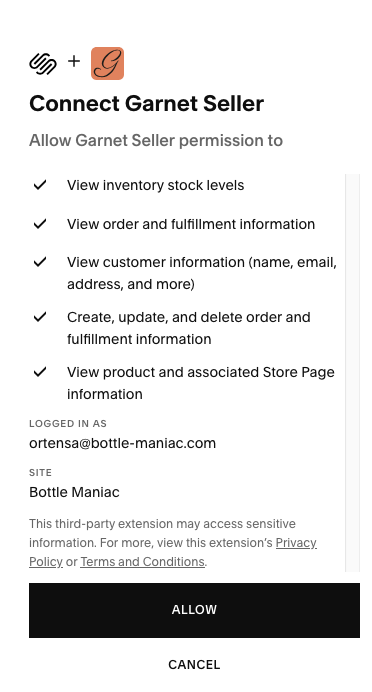
2. Vendor follows the link
The vendor will then need to approve the permission to access products and create orders.
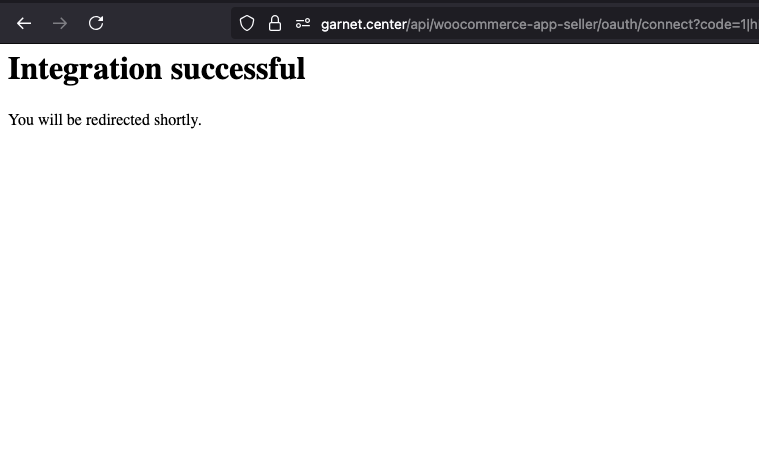
3. Integration completed
That's it, the vendor will be redirected to Garnet and can login if they have an account. All their products will be sent to the marketplace.
How to locate marketplace orders
Each order created by the marketplace is labeled with the channel name set to the marketplace name (e.g. MyMarketplace) and includes the original marketplace order number as an external order reference (e.g. #1042). Vendors can use these fields to filter and identify orders coming from the marketplace in their Squarespace dashboard.